

If anonymous access is enabled, some endpoints will be accessible without a API key.
Creating an API key
Navigate to Settings → API Keys and click Create API Key. Copy the value - it is only shown once.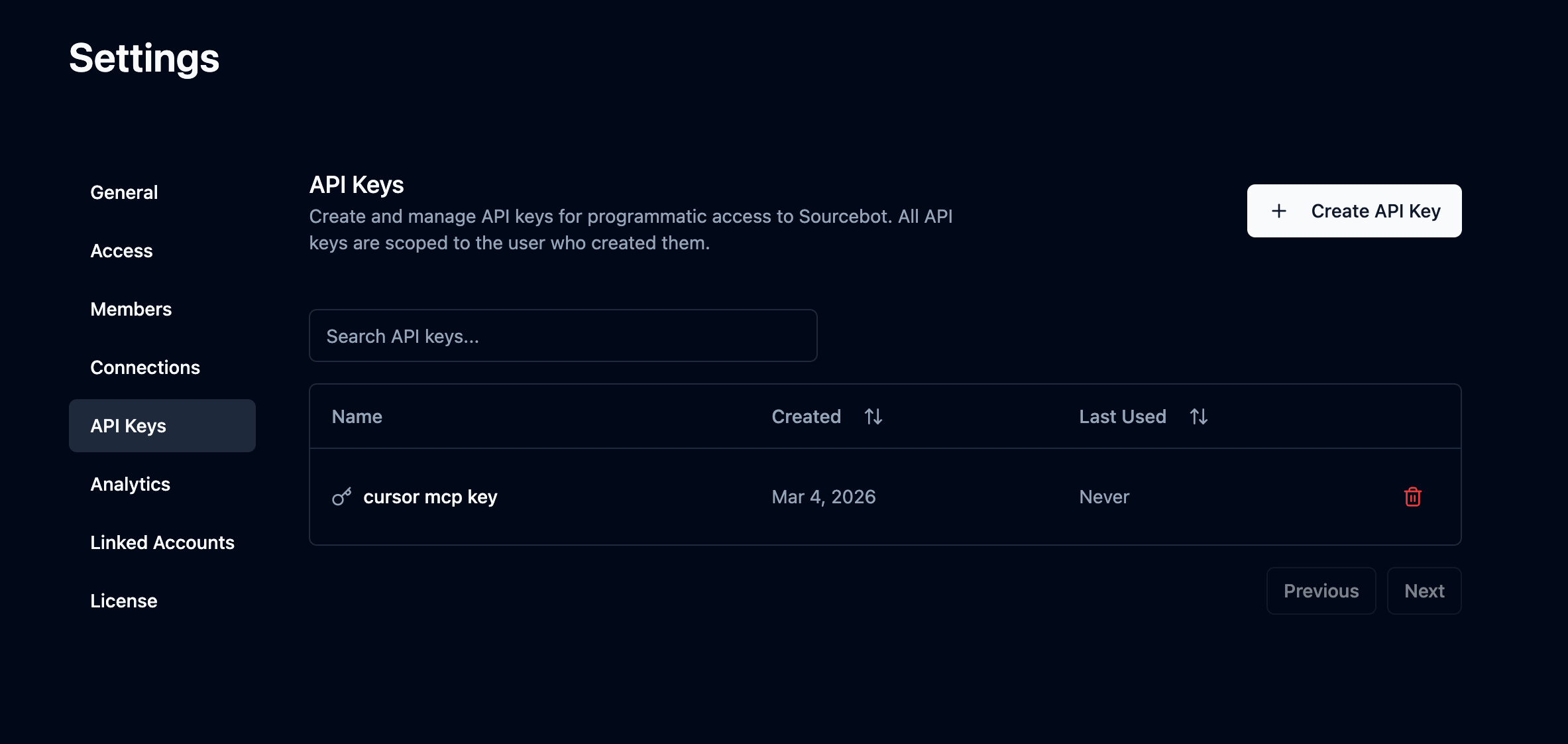
Using an API key
Pass your API key as a Bearer token in theAuthorization header on every request.
/api/search endpoint:
Using a scoped access token
Scoped access tokens are short-lived bearer credentials intended for clients that should only access a specific set of repositories. Create one with a Sourcebot API key by callingPOST /api/ee/scoped_access_token with repository names:
sbst_. It expires exactly one hour after issuance, cannot be refreshed, and is returned only once. Use it as a Bearer token with public API endpoints or the Sourcebot MCP server: